HTML TABLE
HTML Tables :We use HTML table <table></table> tag to define table in html webpage and website.The HTML table <table> tags also include sub table tags such as for define rows in HTML table we use <tr> tag, table cell header is defined by <th> tag and <td> tag is used to define column or cell in HTML table.
All HTML table tags are given below:
| <table> | Table |
| <th> | Table Cell header |
| <tr> | Table Rows |
| <td> | Table Cell or Column |
| <thead> | Table Header |
| <tbody> | Table Body |
| <tfoot> | Table Footer |
| <caption> | Table Caption |
Note: <caption> tag must be put immediately after <table> start tag.
Create a simple table Example:
<table border="2px">
<tr>
<th>Name</th><th>Class</th>
</tr>
<tr>
<td>Hardeep</td><td>10th</td>
</tr>
<tr>
<td>Suraj</td><td>12th</td>
</tr>
</table>
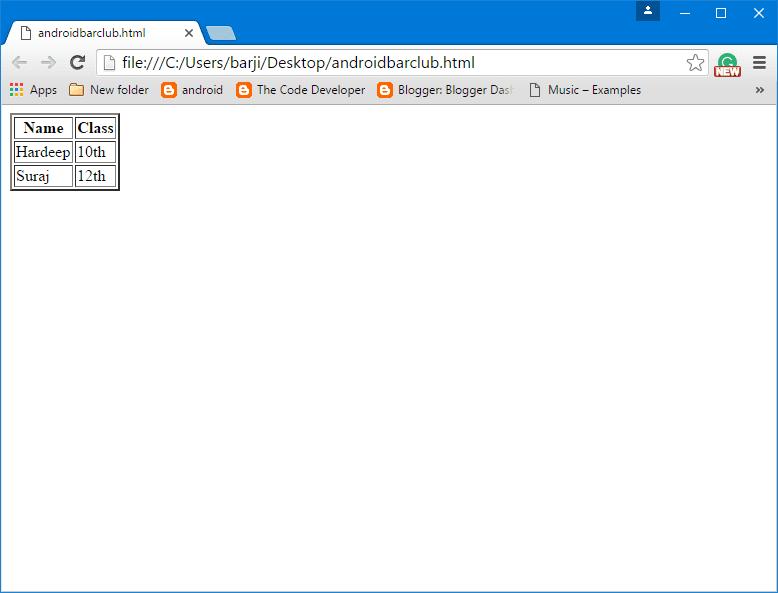 |
| Html Table tag |
HTML Table Caption:
HTML table <caption> tag is used to add header or caption to a table.Adding a table caption is very useful if there a lot's of tables in your web page or website.
